
ComfyUI
Sounds cozy... but what is it?

What is ComfyUI?
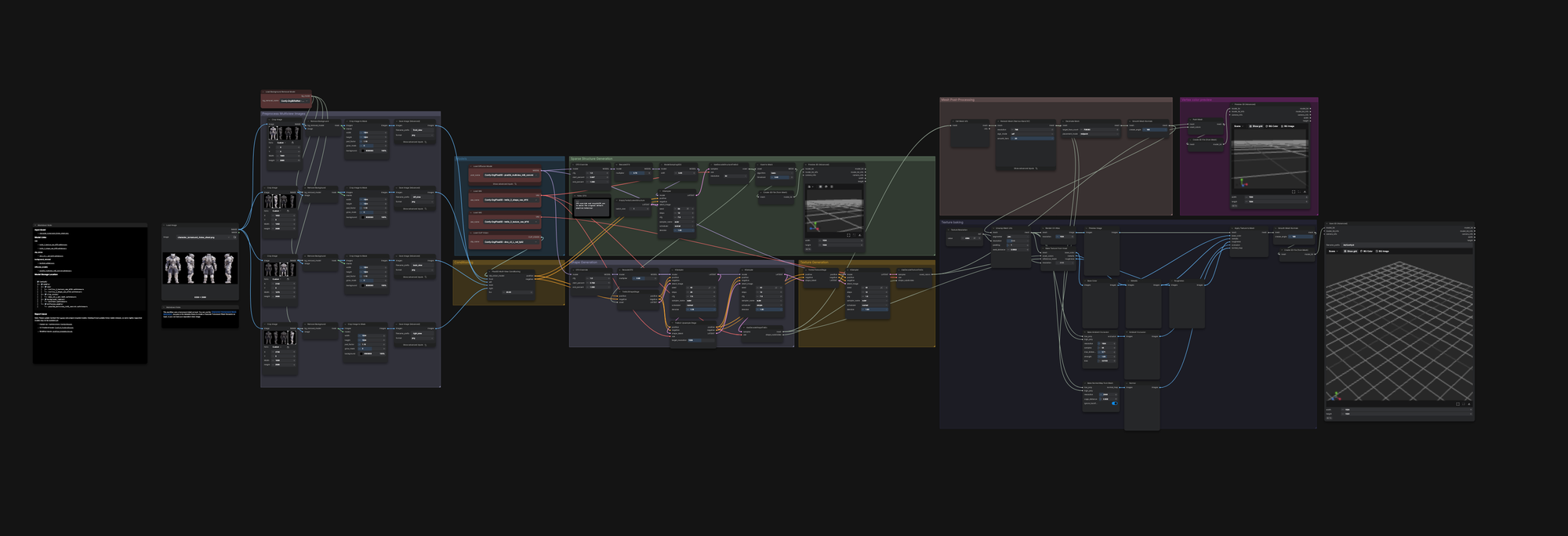
ComfyUI is an open-source, node-based interface (local or cloud) built in Python, where you can load AI models, build workflows and automate generative pipelines.
Think of it as a visual programming environment for AI. No code required, but the sky's the limit if you know your way around.
But why in the world would I need ComfyUI?
Generally speaking, you don't need anything except love and water.
However, if you are curious, let's talk a bit about ComfyUI.
As I mentioned, you can load AI models and build workflows. This means you can experiment with models like text-to-image, image-to-image, or image-to-video, without relying on third-party services like Midjourney, DALL-E, or Runway.
Cloud VS Local
You have the choice.
You can use ComfyUI directly through their cloud service in exchange for a subscription. Or you can run it on your own machine.
The cloud option is simpler to get started: no installation, no hardware requirements. But it runs on a credit-based subscription, your data goes through someone else's servers, and you're dependent on their uptime and pricing.
Running ComfyUI locally means your GPU does the work: no subscription, no data sent to a third party, no limits on what you can run. The trade-off: you need a decent GPU and set things up yourself.
But what are models and where can you find them?
A model is the result of making an AI (neural network) run through millions of training exercises on data.
There are paid models and open-source ones, and nowadays, there's a model for almost everything: text-to-image, image-to-image, image-to-video, image-to-3D, inpainting, upscaling...
One of the most well-known places to find open-source models is Hugging Face.
Think of it as the Walmart (ou Carrefour) of AI models.
Once you have the model(s) you want, you can load them into nodes in ComfyUI, pair them with other nodes and/or models, build your own pipeline and make ComfyUI do crazy things.